Understanding IHT Workflow

What the IHT Workflow is
- The IHT Workflow in OneAdvanced Legal Forms is designed to handle Inheritance Tax accounts (IHT400 and all related schedules)
- It allows you to bundle, link, and complete multiple IHT forms together within one structured workflow instead of treating them as separate documents
- It is a guided workspace that pulls all relevant IHT forms into one matter and keeps them connected at the same time calculating the Inheritance Tax payable
Step-by-step: How to use the IHT Workflow in Legal Forms
- Log into Legal Forms
- From the top navigation, select IHT Workflow

If you can't see it you'll likely need permissions from your administrator.
2. Create a new workflow
- Click IHT 400 Workflow in left hand panel
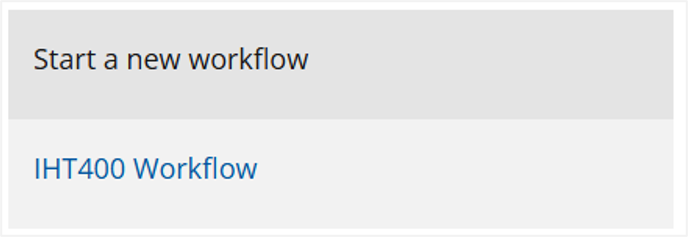
- Enter the client/matter reference
- Enter a short description, if required
- Click Create workflow
This becomes your central file for the entire inheritance tax return.
3. Adding additional scehdules
As you step through the workflow, additional schedules can be added.
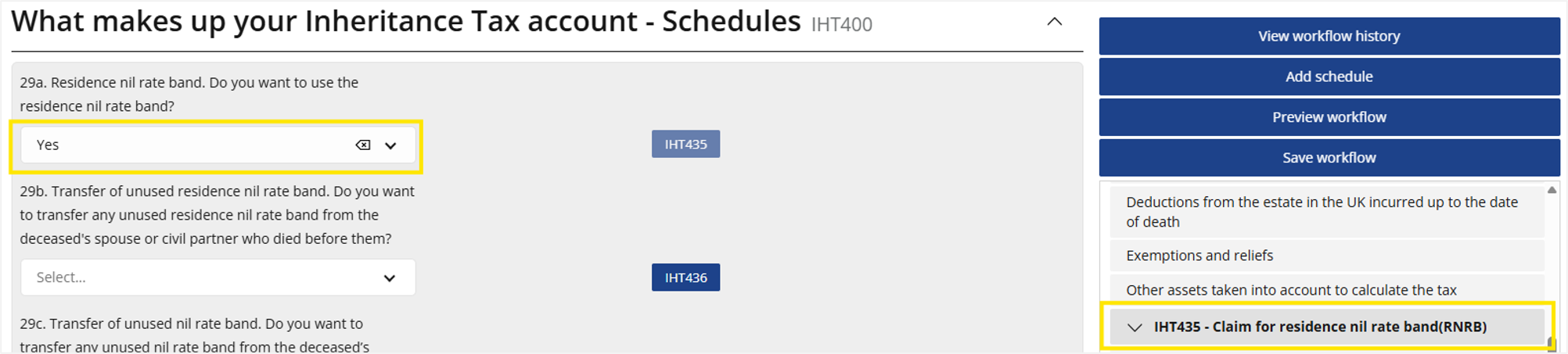
- In What makes up your Inheritance Tax account - Schedules section, selecting Yes to questions will automatically add the schedule
- Alternatively, schedules can be added directly via Add schedulein the right hand panel
4. Auto-calculations
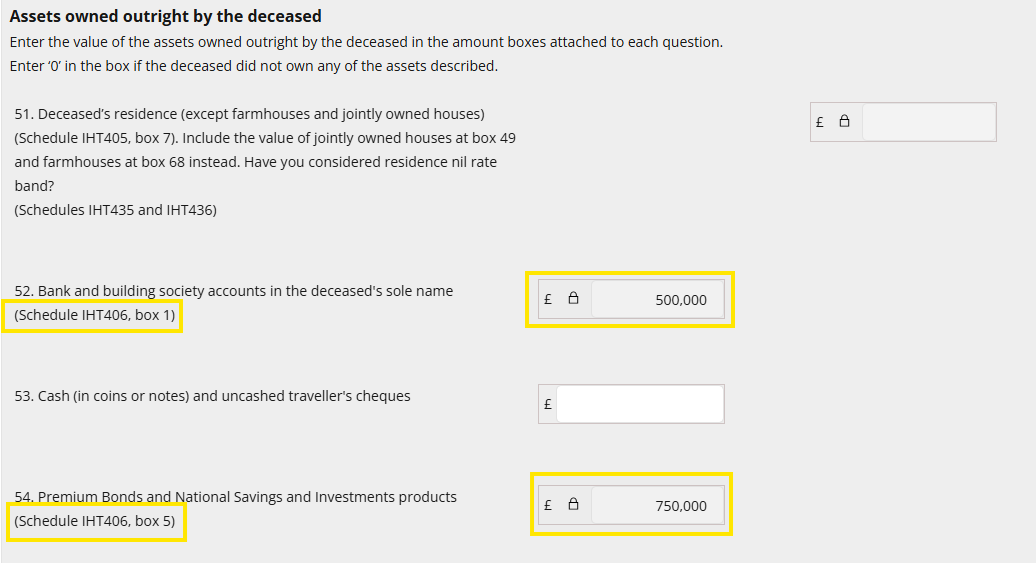
As you progress through the workflow and input amounts, the relevant UK Estates sections onwards will automatically populate and calculate. It shows which schedule and which box the amount has been derived from.
5. Easy naviagtion within the workflow
To navigate easily between sections and schedules, simply click the relevant section or schedule in the right-hand panel to be taken directly to it.
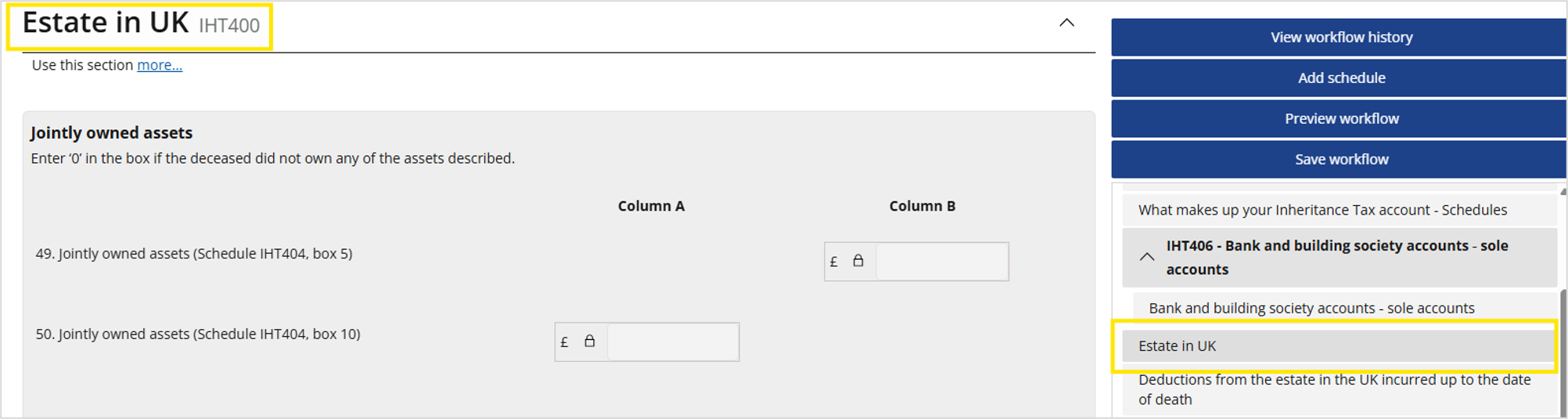
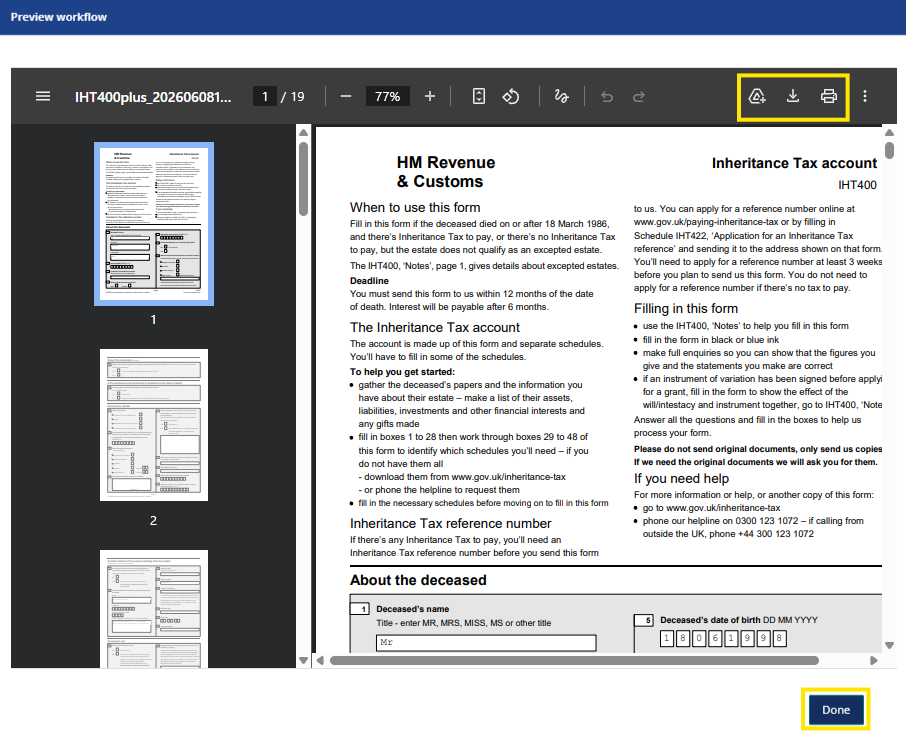
6. Preview workflow
This button can be used to preview the workflow so far. From here the PDF can be generated, downloded and printed or, cby clicking Done the workflow can be continued.
The PDF will contain the IHT400 and any additional schedules added.